ARABSPIN How to Redeem Codes
Safe redeem habits for ARABSPIN while the COMINGBACK relaunch is still young.
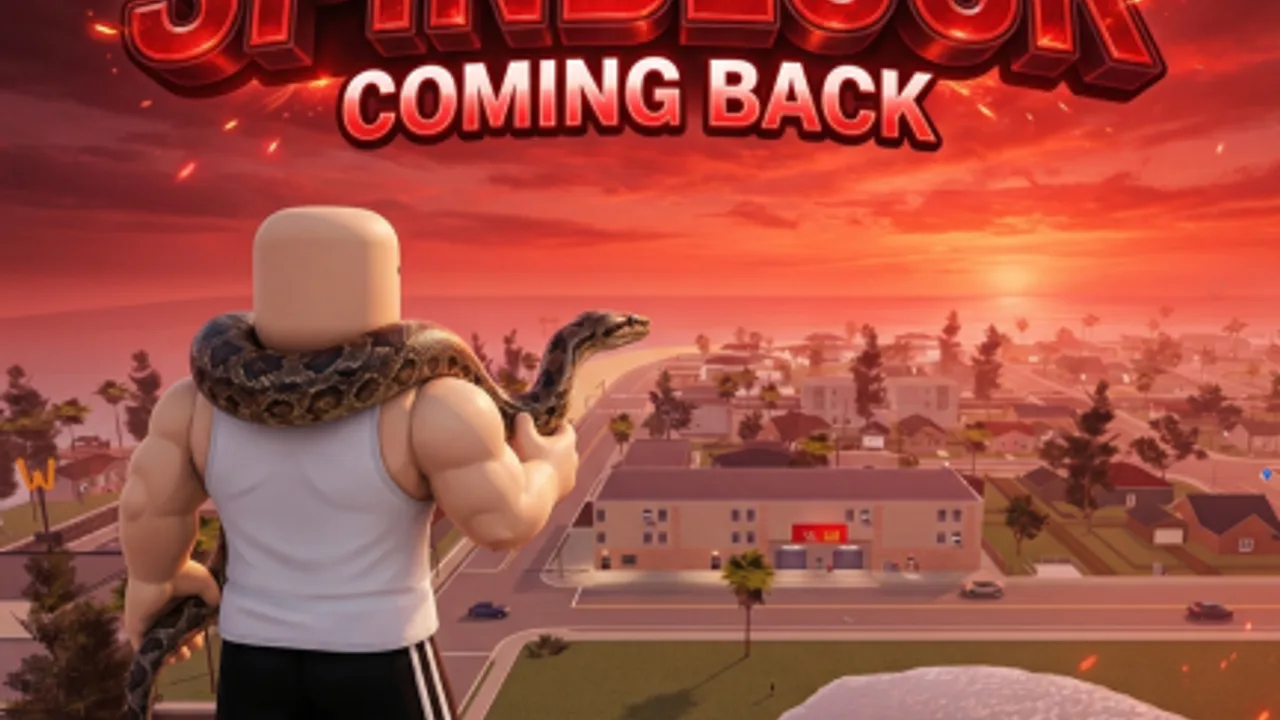
This guide explains how to redeem codes in ARABSPIN once the developer publishes them. ARABSPIN is a Roblox Action RPG by OWNER_ARABSPIN (hhygtfGfgGTY), currently tagged [COMINGBACK!] and [UPDATE]. As of 29 November 2026, the official description does not list public codes—so treat this page as your ready checklist, not a fake code dump. Pair it with the Codes Hub for live status and Getting Started if you are brand new to the place.
Before you redeem anything
- Launch the correct place. Use the official experience linked from our Links Hub (
ARABSPINon Roblox, root place119490119192411). Copycat places reuse the name after the prior content-deleted version; wrong place means wrong UI. - Finish basic onboarding. Many Roblox Action RPGs gate shop or gift buttons until you leave the tutorial zone. Follow How to Play and Progression so you are not hunting menus mid-combat.
- Know the real creator. Confirm you are not on a phishing “redeem site.—Codes belong in Roblox or the in-experience UI—never on a random browser form that asks for your password. See Creator & official presence.
- Skip executors. Anyone selling an “auto code redeem script—for ARABSPIN is asking you to risk the account. Read Script Safety first.
Typical Roblox redeem flow (adapt when ARABSPIN exposes UI)
Exact button labels can change after an UPDATE patch, but the pattern across Roblox gift systems is consistent:
- Join a live server (ARABSPIN caps at 16 players per server).
- Open the main menu, shop, settings, or a dedicated Codes / Gifts / Redeem button—often a ticket, gift box, or gear icon on the HUD.
- Click the text field and paste the code exactly as published (watch spaces and capitalization).
- Confirm with Redeem / Claim / Submit.
- Check inventory, mail, or a reward popup. If nothing appears, relog once and re-check before assuming the code failed.
When ARABSPIN documents a unique path, we will update this section. Until then, do not trust TikTok overlays that point to unrelated games.
What to do while no codes exist
Use the quiet window productively:
- Learn Controls & settings so menu hunting does not break your combat rhythm.
- Plan first-hour goals in Progression.
- Track relaunch context in Coming Back and the Updates Hub.
- Skim the Tier List Hub for role archetypes so future gift boosts go into a coherent playstyle—damage, sustain, mobility, or utility—not random clutter.
ARABSPIN’s early metrics (high concurrent peaks, strong like ratio, fast visit climb after the relaunch) mean codes—if added—will spread quickly on social media. Having this redeem checklist ready beats panic-searching while servers fill.
Troubleshooting failed redeems
*“Invalid code— usually means a typo, an expired string, or a code copied from another experience. Re-check the Codes Hub instead of retrying random variations.
*“Already redeemed— means that account already claimed it. Alts may or may not work depending on developer rules; we will note per-code limits when known.
No reward popup can be latency or a full inventory. Free a few slots, rejoin, and look for mail or a claims inbox if ARABSPIN adds one.
Menu missing entirely often means you are still in a locked tutorial state, on a wrong place copy, or playing during a broken UPDATE deploy. Check Updates and try a fresh server.
*Someone demands Robux or items for a “private code list.— Walk away. Official codes are free announcements, not paid DMs.
Safety rules that never change
- Never share your Roblox password or 2FA codes with “redeem helpers.”
- Never install browser extensions that “auto fill ARABSPIN gifts.”
- Never download
.exe“code generators.” - Never trust Discord bots that DM you first with “free codes—links outside Roblox.
- Prefer text from this wiki’s Codes Hub over image-only posts that hide typos.
After a successful redeem
Log what you received, then spend it with intent. Early gifts on Action RPGs often look generous but get wasted on the wrong role. Use Early Meta to decide whether you are leaning damage, sustain, mobility, or utility for your first permanent loadout. If the gift is cosmetic-only, enjoy it and keep grinding the core loop in How to Play.
Related pages
- Codes Hub —live active / expired lists
- Guides Hub —onboarding and systems
- Scripts Hub —why we do not recommend unverified tools
- Players Hub —community and creator signals
Keep this page bookmarked. When OWNER_ARABSPIN drops the first verified string, redeem once, confirm the reward, and move on—codes are a bonus, not a substitute for learning the combat loop.
Frequently Asked Questions
Quick answers to the most common ARABSPIN questions.
Where is the ARABSPIN code redeem button?
Look for a Codes, Gifts, or Redeem control in the HUD, shop, or settings after onboarding. Exact labels can change with UPDATE patches; we revise this guide when the UI is confirmed.
Why does my code say invalid?
Common causes are typos, expired codes, already-redeemed limits, or strings copied from a different Roblox game. Verify the string on the Codes Hub first.
Can I redeem ARABSPIN codes on a website?
No trustworthy ARABSPIN flow asks for your password on an external site. Stick to in-experience or Roblox-native redeem UI only.
Do codes work on mobile and PC?
If the developer enables codes in the experience UI, they typically work on any platform that can open that UI. Paste carefully on mobile keyboards.
Are there codes available today?
As of 29 November 2026, none are publicly listed. Check the Codes Hub for the latest verified status instead of unverified social posts.